
Point of Sale
On-premise POS built for the pace of a live floor
Windows POS gives your team direct dashboard access to Dine In, Delivery, and Take Away - with a Kitchen Display System that keeps the kitchen moving in real time, all running on hardware you already own.
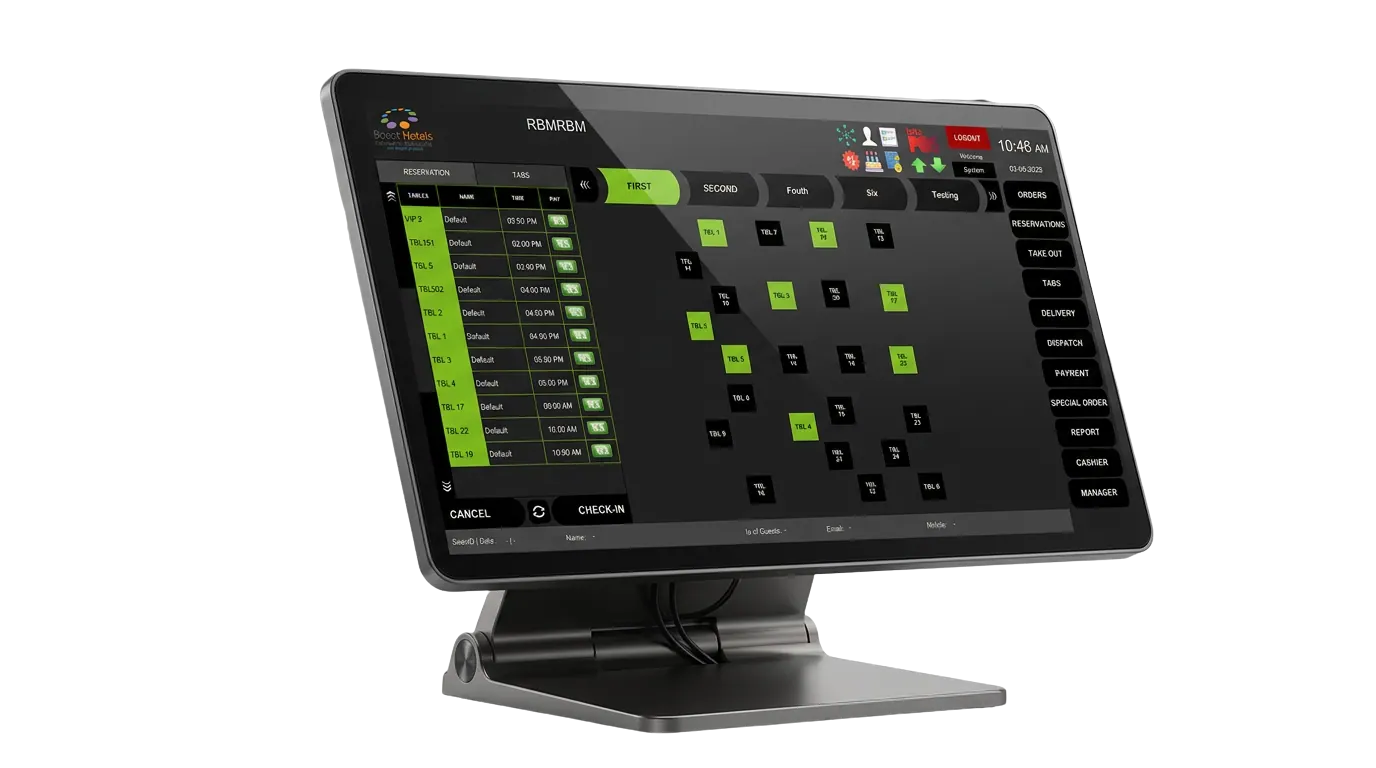

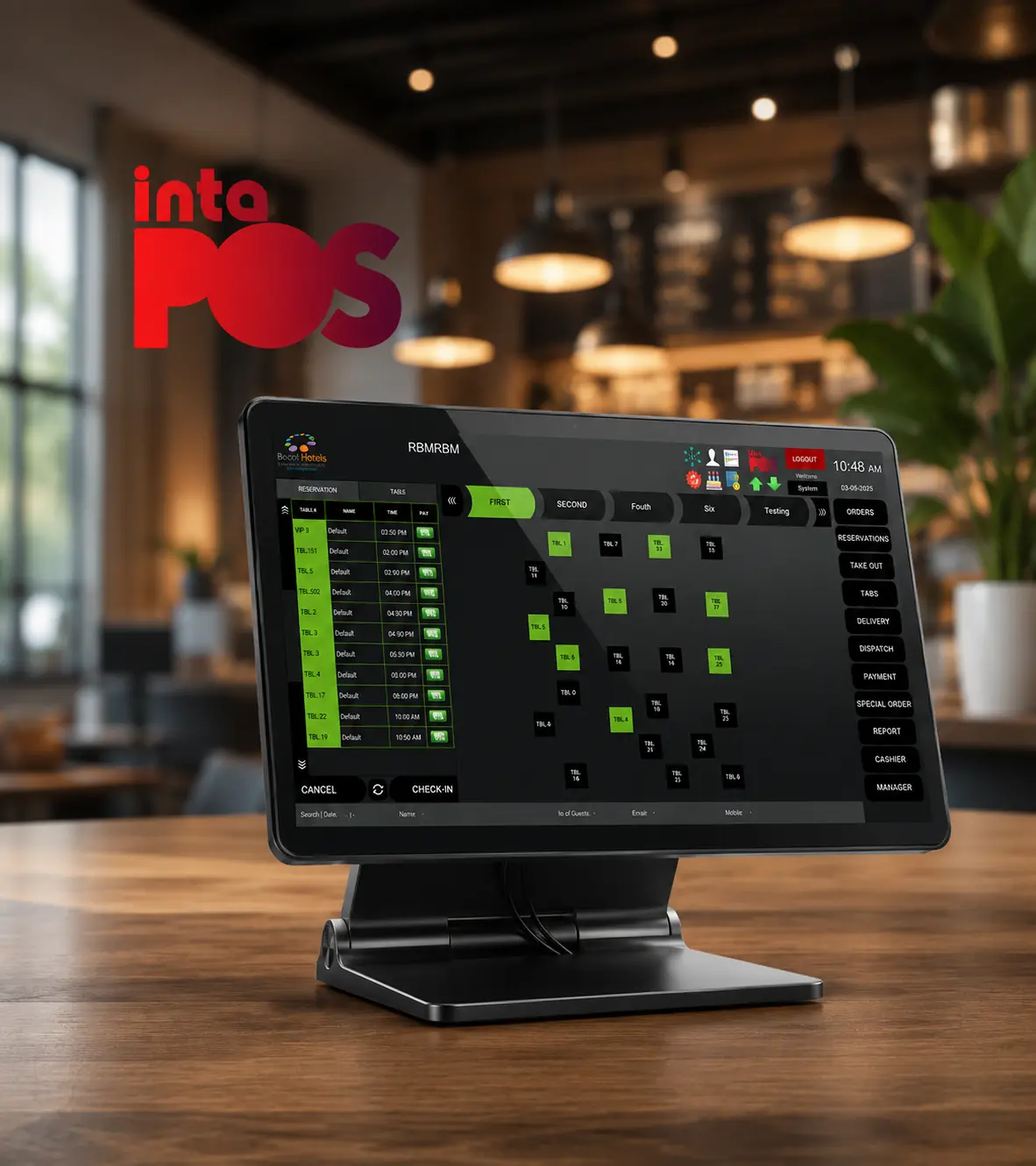
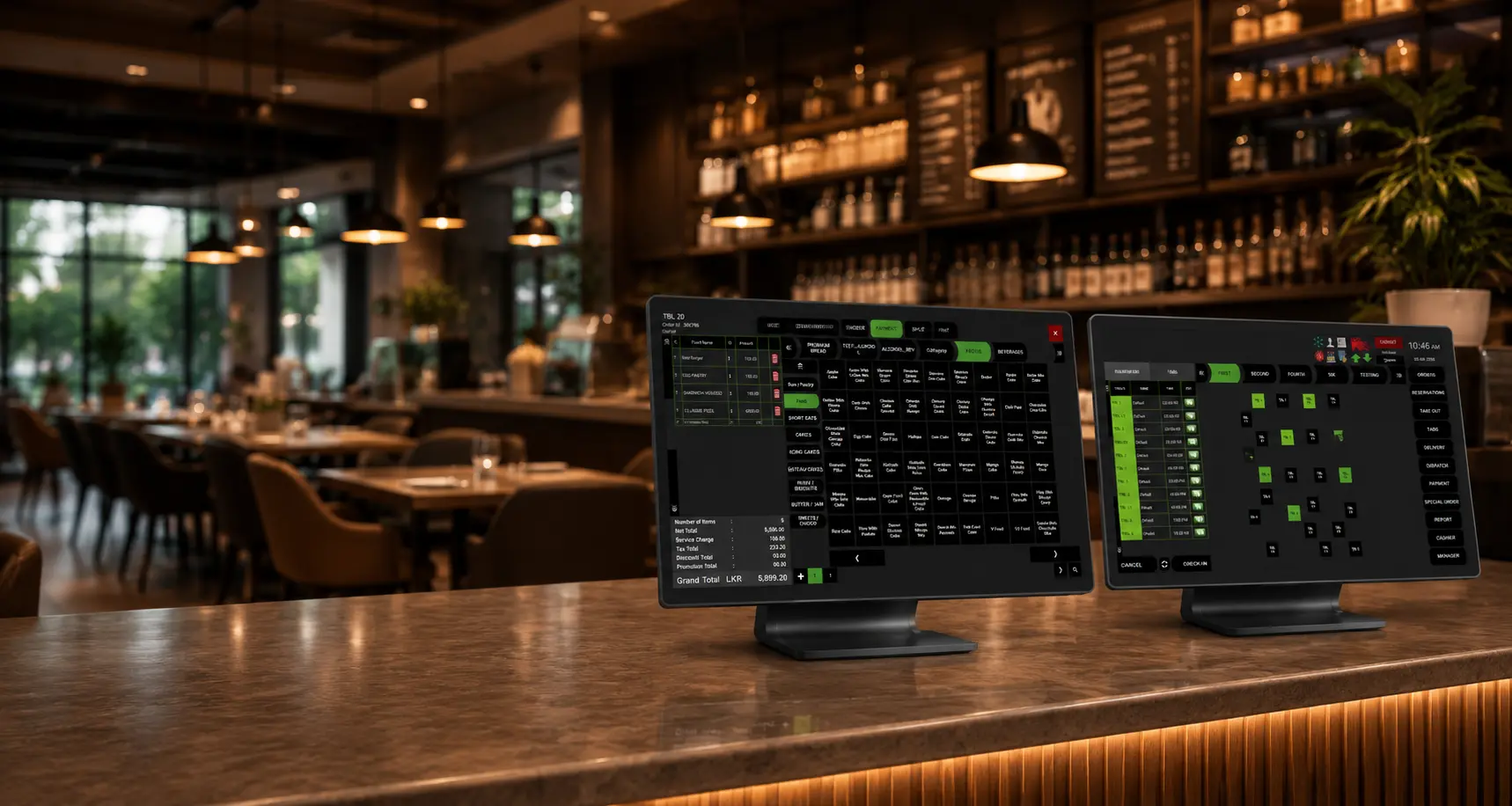
Every table, every terminal, synced.
Why Windows POS
One dashboard for every mode of service
Built for busy floors that need speed at the counter and control behind the scenes.
Guest & table management
Track table status and guest counts at a glance, with fast invoice splitting when a bill needs dividing.
Delivery order tracking
Follow delivery orders from booking through dispatch without leaving the main order screen.
Kitchen Display System
Orders route straight to the kitchen display, cutting down on paper tickets and missed items.
Onboarding included
Free implementation, staff training, and 24×7 support come standard when you go live.
Order management that keeps up with the floor
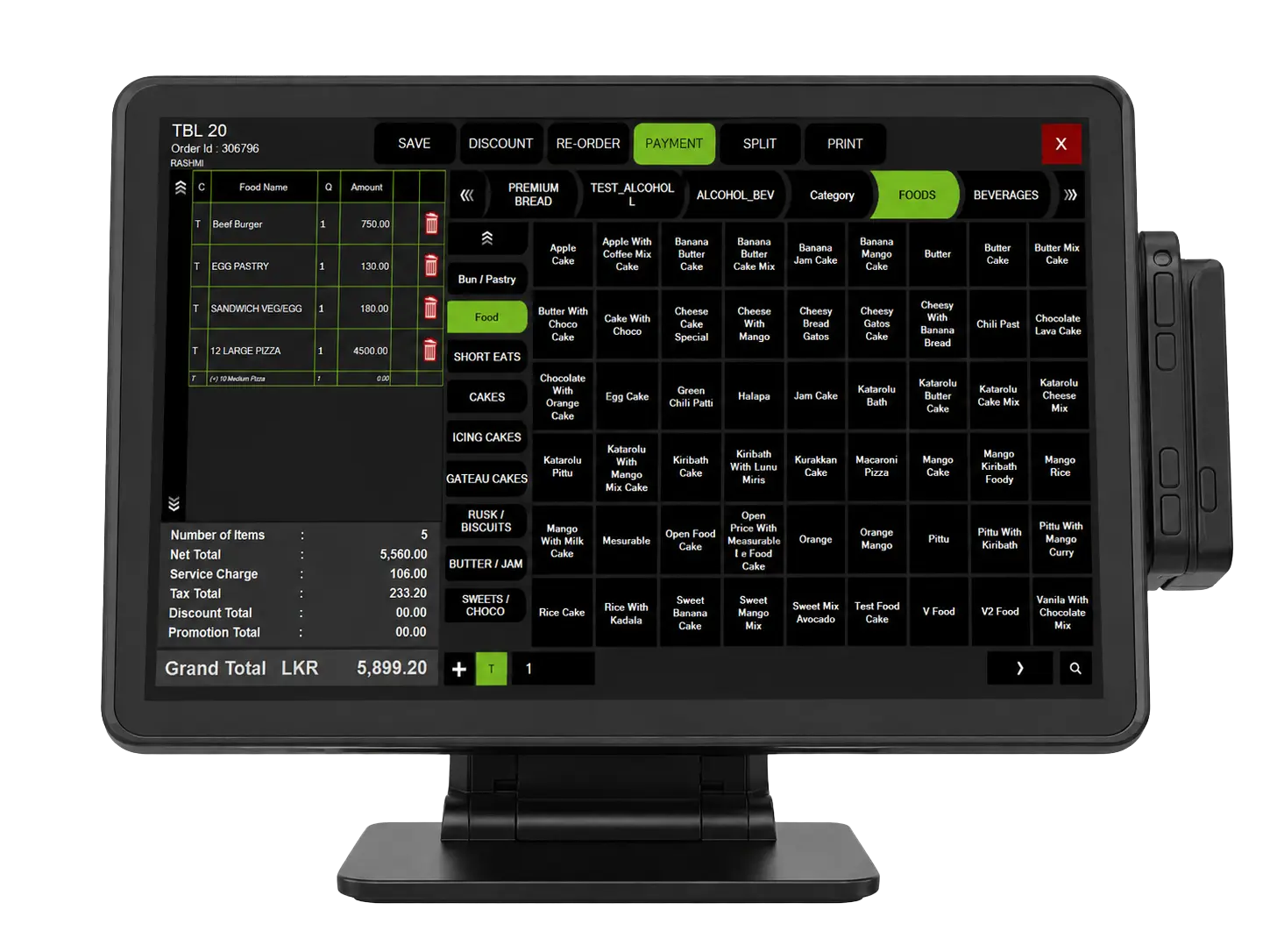
Book orders in a few taps, apply item modifiers on the fly, and handle discounts or complimentary items without breaking the flow at the till. Service charge and VAT toggle per order or per bill.
- Quick order booking & item modifiers
- Discounts & complimentary items
- Service charge & VAT toggles
Admin & shift control that stays accountable
Open and close shifts cleanly, run day-end closing with confidence, and require approval before an order gets cancelled. User roles keep every action tied to the person who made it.
- Shift management & day-end closing
- Order cancellations with approval
- User & role management
Reporting that shows where the day went
Hourly, category-wise, and item-wise sales reports break down exactly what sold and when, while cash drawer reconciliation keeps every shift balanced.
- Hourly & category-wise sales reports
- Item-wise sales breakdown
- Cash drawer reconciliation
Full Feature List
Everything included with Windows POS
Order Management
- Takeout orders
- Takeout token management
- Takeout display & alerts
- Table orders
- Delivery orders
- Delivery zone management
- Track rider & order
- Order history management
- Dining orders
- Order comments
- Order quantity
- Modifier & ingredients
- Cover number management
- Split orders
- Repeat same order
- Open food management
- Manage guest preferences
- KOT/BOT printing
POS Settings Management
- Recipe management
- Modifier management
- POS master settings
- POS admin settings
POS Reports
- Daily & hourly sales
- Product & category wise
- Advance deposit report
- Cash drawer report
- Wastage report
- Cashier, shift & device wise
- Fast moving & none moving
- 30+ customizable reports
Discounts & Promotions
- Automate item promotions
- Value based promotion
- Automate happy hour promotion
- Automate seasonal promotion
- Manual discount (percentage / flat amount)
- Tax exception
- Service charge on/off
Works Great With
Pair Windows POS with the rest of the suite
Get Started
See Windows POS running your floor
Book a walkthrough and we’ll show you how quickly your team can be live on Windows POS.